
 All
All Camera
 Computer
 CPU Cabinet
 Gamepads
 Keyboard
 Monitor
 Data Cables
 Drones
 Electronics
 Headphones
 Health Care
 Laptops
 Mouse
Mouse Pendrives
 Printing
 Smart Phones
 Speakers
 Storage
 VR Sets
 Watches
 Webcam
 Wires & Cables
Description
Product Overview
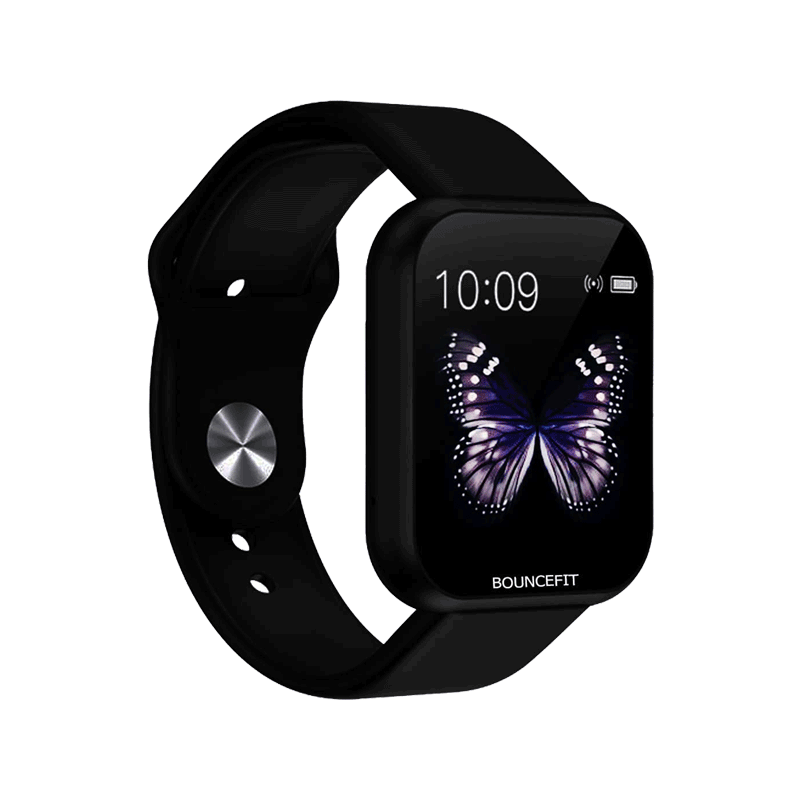
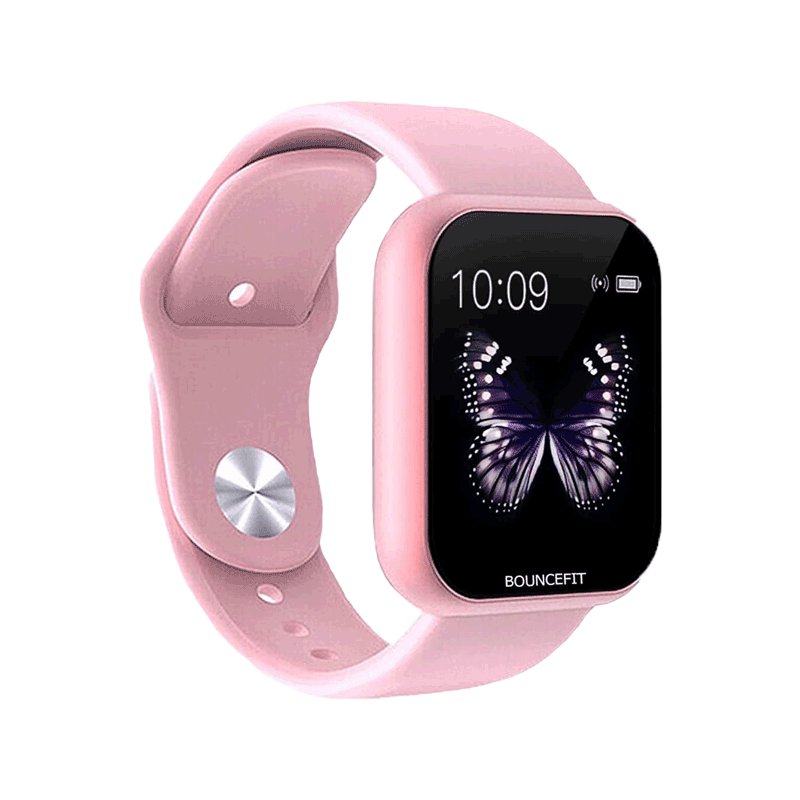
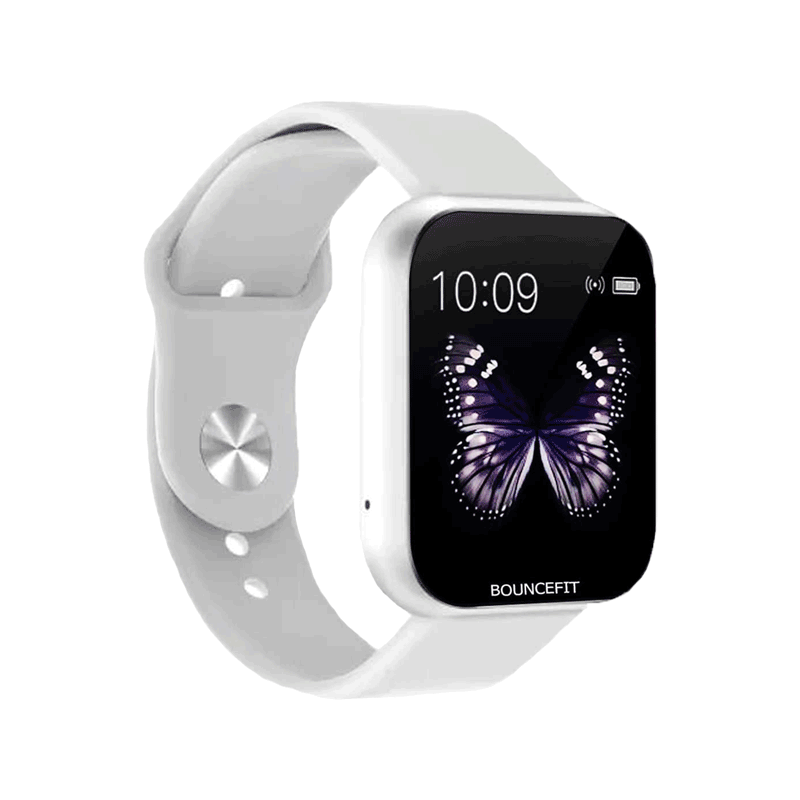
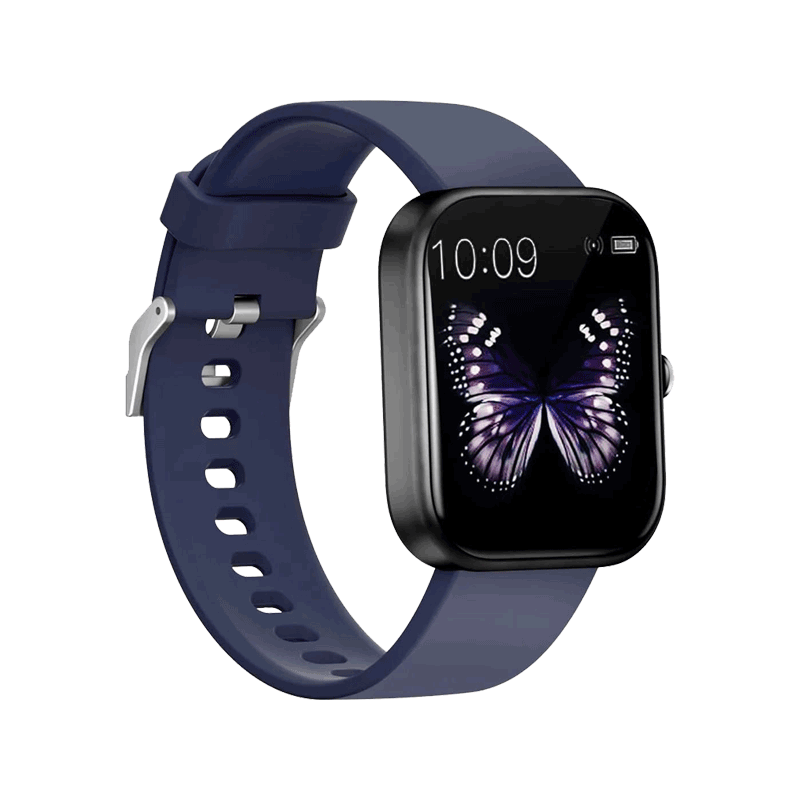
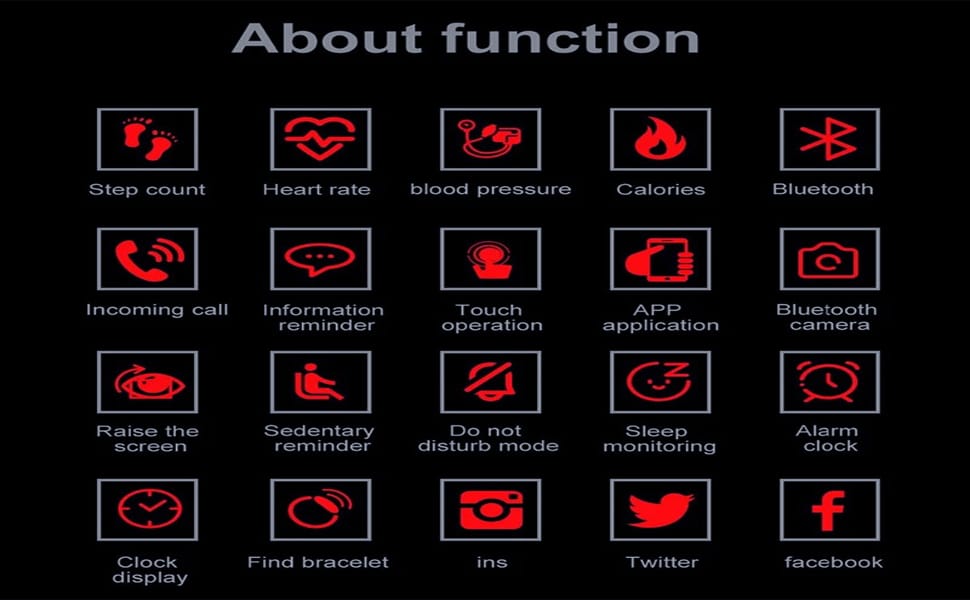
The Bouncefit D20 Y68 Smart Watch Jet Black is a stylish fitness band smartwatch designed for men, women, and kids. It combines modern design with advanced technology, offering features such as activity tracking, heart rate monitoring, blood pressure measurement, SpO2 monitoring, calorie counter, and sleep analysis. Compatible with Android and iOS devices, it connects via Bluetooth and syncs with the FitPro app for complete fitness management.
| Devices | Smartphones, Tablets, PCs |
|---|---|
| Phone Models | Android Devices, iOS Devices |
| App Support | FitPro App |
| Target Audience | Men, Women, Boys, Girls, Kids |
Connectivity and Compatibility
Bluetooth Technology
Seamless Bluetooth pairing ensures smooth connectivity with smartphones, tablets, and PCs.
FitPro App Support
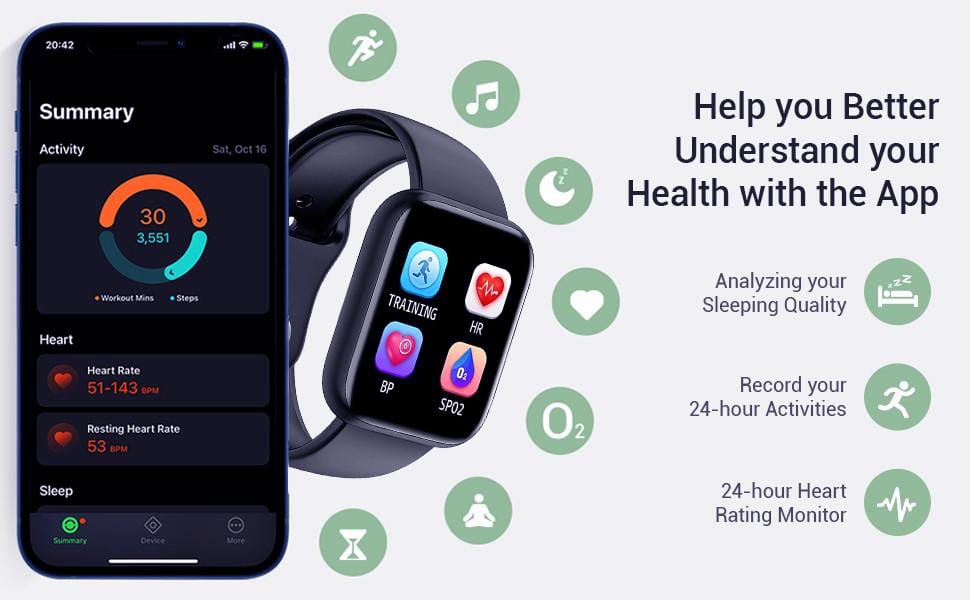
The FitPro app allows users to view fitness data, receive notifications, and customize watch settings.
Shop Now : Download Filmora 14 + AI Lifetime Version at ₹299 | Best Editor 2025
Display and Interface
OLED Screen: The 3.04 cm OLED display with 240 x 240 resolution provides sharp visuals.
Single Touch Interface: The single‑touch interface simplifies navigation, making it user‑friendly for all ages.
Performance and Battery
- Quick Charge: A 20‑minute charge delivers a full day of battery backup.
- Built‑in USB Port: The in‑built USB port hidden under the strap allows direct charging without cables.
- Battery Specs:
150 mAh Lithium Ion Battery
Average life of one day, charge time of two hours.
Buy Now : Horse Fire Tablets for Men | Ayurvedic Stamina Booster
Health and Fitness Tracking
Heart Rate and Blood Pressure: Accurate sensors track cardiovascular health.
SpO2 and Sleep Monitor
- SpO2 Measurement:
Blood oxygen levels monitored for fitness insights.
- Sleep Analysis and Sedentary Reminder:
Tracks sleep cycles and encourages movement during inactivity.
Calorie and Step Counter
Daily activity tracking helps maintain fitness goals.
Design and Build Quality
Lightweight Comfort: At 0.08 kg, the watch is comfortable for long wear.
Strap and Case: Silicone strap and plastic case ensure durability.
Secure Tang Buckle: Provides a snug fit during workouts.
Notifications and Smart Features
The Bouncefit D20 Y68 Smart Watch delivers notifications for calls, SMS, and social media apps like Facebook, WhatsApp, Instagram, LinkedIn, and Twitter.
Buy Now : GRENARO J13 Wireless Mic | Dual Channel Noise Reduction
Warranty and Support
Manufactured by Matrix International, the smartwatch comes with a six‑month warranty. The package includes the watch and an instruction manual. Customer support is available via Matrix International’s helpline.
The Bouncefit D20 Y68 Smart Watch Jet Black is more than just a timepiece. It is a multifunctional lifestyle accessory that balances affordability with essential fitness features. Ranked among top smartwatches, it is ideal for users seeking water resistance, quick charge, and health monitoring in one device.

How to Charge the Bouncefit D20 Y68 Smart Watch
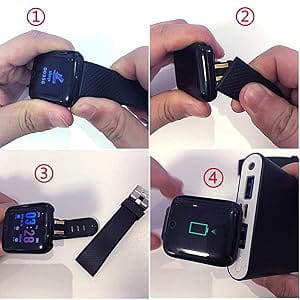
- The Bouncefit D20 Y68 Smart Watch Jet Black fitness band does not include a separate charging cable.
- To charge, gently remove one strap to reveal the hidden USB charging pin.
- Plug the smartwatch directly into any mobile charger, power bank, or laptop USB port.
- Do not use fast chargers, as they may damage the battery.
- For best performance, charge the smartwatch for at least two hours before first use.
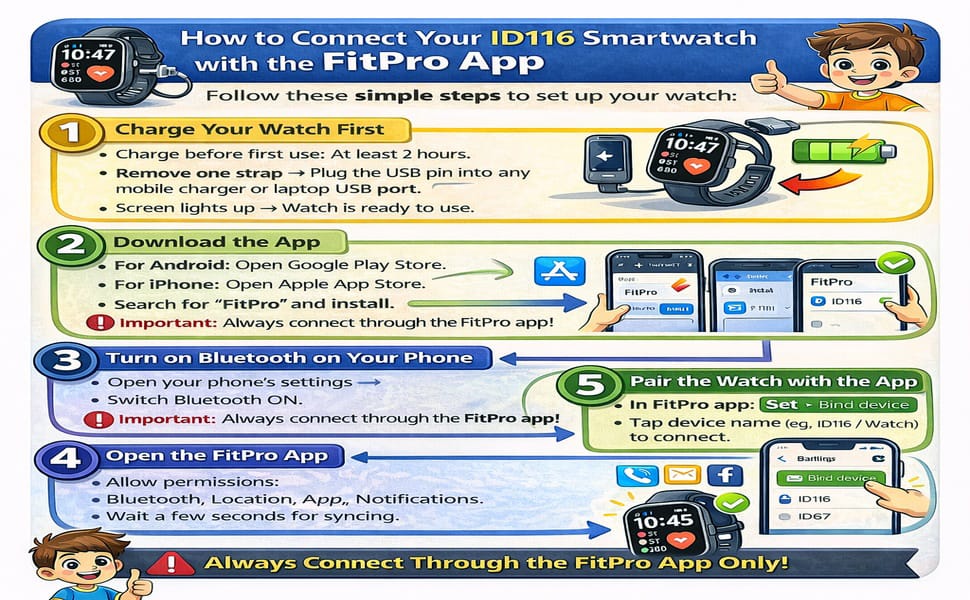
🔹 ID116 Smartwatch Setup Guide – Connect with FitPro App
Follow these simple steps to set up your watch:
Step 1 – Charge Your Watch
- Before using for the first time, charge your watch for at least 2 hours.
- Remove one strap to reveal the hidden USB charging pin.
- Plug directly into any mobile charger, power bank, or laptop USB port.
- Once charged, the screen will light up and the watch is ready to use.
Step 2 – Download the FitPro App
- On Android → Google Play Store.
- On iPhone → Apple App Store.
- Search for “FitPro” and install the app.
Step 3 – Enable Bluetooth
- Open your phone’s settings → switch Bluetooth ON.
- Important: Do not connect the watch directly from phone settings. Always connect via the FitPro app.
Step 4 – Open the FitPro App
- Launch the app and allow permissions (Bluetooth, Location, Notifications).
- Permissions are required for alerts and syncing health data.
Step 5 – Pair the Watch
- In the FitPro app, go to Set → Bind Device to experience more features.
- Wait for the app to search → you’ll see a device name like 716 / Watch.
- Tap it → the app will connect to your smartwatch.
Step 6 – Confirm Connection
- Once connected, the watch will automatically update the time and date.
- Steps, sleep, and heart rate data will sync in the app.
- You’ll begin receiving call, SMS, and app notifications.
🔹 Troubleshooting (if not connecting)
- Restart Bluetooth → Turn Bluetooth OFF/ON and retry.
- Restart Watch → Long press the function button to reboot.
- Unbind & Rebind → In the app, tap Unbind Device → then Add Device again.
- Keep the watch close to the phone (within 30 cm) while pairing.
- Which app should I download? → Download FitPro from Play Store or App Store.
- My watch is not turning on. What should I do? → Charge for minimum 2 hours; it will power on automatically.
- How do I connect with the FitPro app? → Follow the step‑by‑step guide above or the tutorial video included.
- How can I extend battery life? → Disconnect Bluetooth when not needed; data will sync later.
Reviews
There are no reviews yet.